- Published on
How You Can Disable Console Logs in React Native
- Authors

- Name
- nikUnique
Introduction
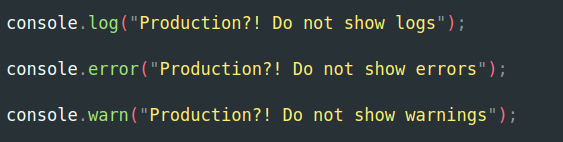
Logging is an essential part of any software development process, providing valuable insights into application behavior, performance, and potential issues. In React Native, effective logging can help developers debug their applications more efficiently. However, excessive logging in production can clutter the console and impact performance. This is where conditional logging comes to save us. In this blog post, I will show how to implement conditional logging in React Native.
What is Conditional Logging?
Conditional logging means that we enable or disable logs based on certain conditions, such as the environment (development or production). And usually, we do need logs during development, but when the app is in production mode, we do not want logs there.
Why Use Conditional Logging?
- Performance: Excessive logging can slow down your application, especially in production. By disabling logs in production, you can improve performance.
- Clarity: A clean console in production helps you focus on critical issues without being distracted by debug logs.
- Security: Sensitive information should not be logged in production. Conditional logging helps prevent accidental exposure of such data.
How to Disable Console Logs in Production Mode
To disable console logs in production mode, you can add the code below to index.js or App.js. We just override logging functions when we are in production mode by using the __DEV__ variable. __DEV__ is a global variable in React Native that is set to true when the app is running in development mode and false in production mode.
if (!__DEV__) {
  console.log = function () {};
  console.warn = function () {};
  console.error = function () {};
  console.info = function () {};
}
Conclusion
In this blog post, I showed you one of the ways to disable logging in a production environment. There is also another way to do this by using babel-plugin-transform-remove-console plugin, but in my case, it just didn't work for some reason. Maybe I did something wrong, or I didn't know something, or maybe both :). But the method I showed you here is quite straightforward to implement.